
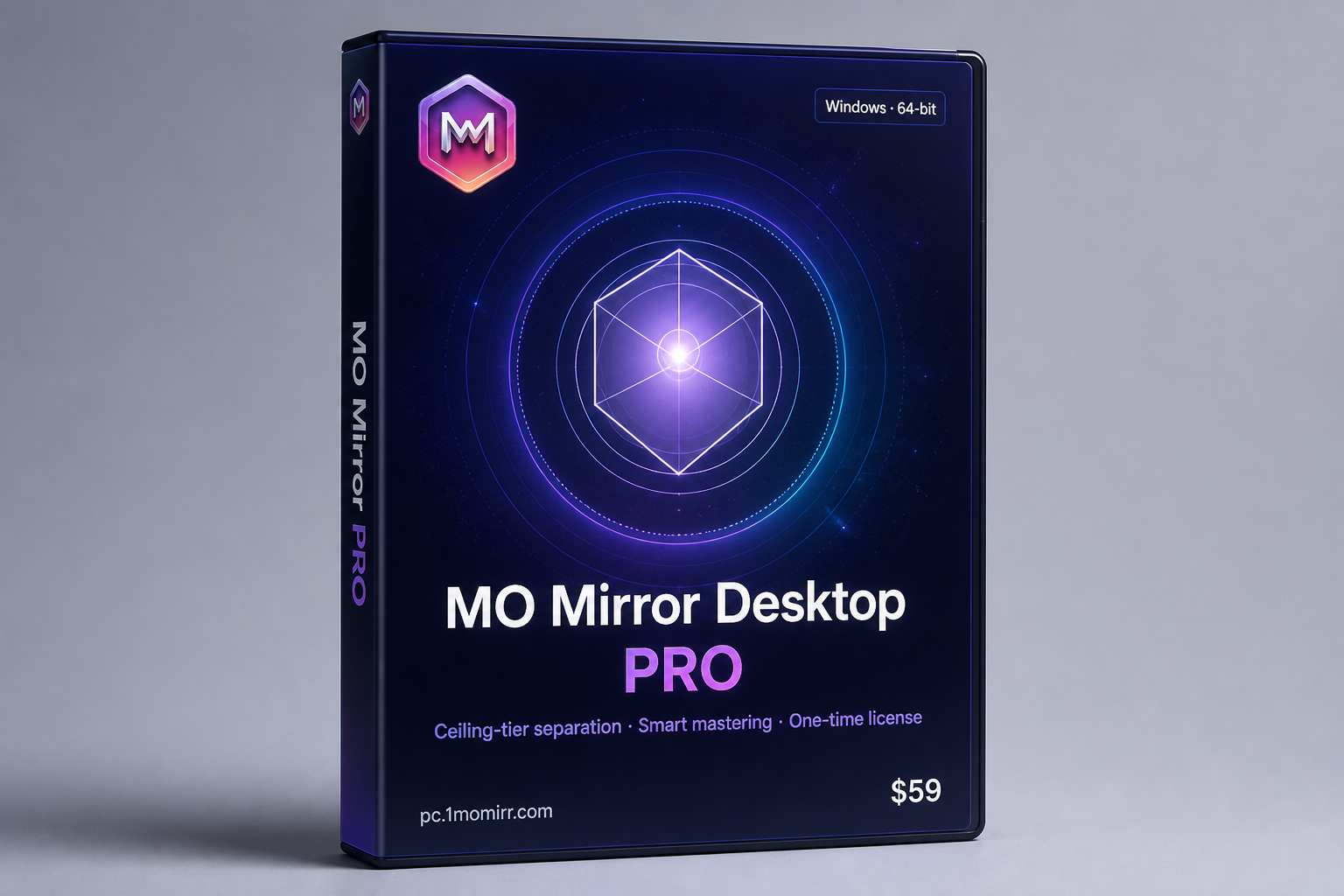
MO Mirror Desktop · PRO

Drag in. Finish locally.
Ceiling-tier separation.
Smart mastering.

Heavy-model vocals / accompaniment separation + acoustic profile scan + smart mastering — one finished deliverable.
One-time buy. Unlimited local runs. Try about 3 tracks first. Quality before speed.

Windows 10/11 64-bit Floor GTX 1060 (6GB) Recommended 8GB+ VRAM Audio processed on your PC · not uploaded for cloud queue Batch queue · auto finish
Demo video coming soon
Multiple clips can be published from admin

Simple workflow

Pick Clean or Harmony, locate or drop audio, one-click finish. Sensible defaults out of the box.

End-to-end finish

We don’t stop at stems: after separation we run an objective acoustic scan / profile, then smart mastering.

On your machine

Audio stays on your PC for processing — not uploaded to our cloud queue. First activation needs the internet; processing is local.

Listen

Hear it

Headphones recommended. Same song, before vs after (players appear when demos are ready).

Sample A
Pop · separation + mastered finish
Demo audio coming soon
Sample B
Harmony mode · backing layers kept
Demo audio coming soon
Sample C
Vs typical default tool output
Demo audio coming soon
Highlights

Why MO Mirror PRO

Ranked by real listening & delivery — not “instant” marketing.

01

Ceiling-tier heavy models

Cleaner vocals / accompaniment for listen-and-sing results. Clean is drier; Harmony keeps backing layers for a fuller finish.

02

Finish step: profile scan + smart mastering

Not stems-only. After separation we scan acoustically, then feed best params into smart mastering for a complete master.

03

Quality first — no rush

Heavy where it matters. Quality first, then practical runtime — depends on song length and GPU. We don’t sell “seconds.”

04

Batch queue & stability

Drop many tracks or import a folder. Set an output folder and let it run.

05

Metadata preserved when possible

Title, artist, album, cover art can carry over — less manual tagging.

Requirements

Hardware first

Below the GPU floor? Use the cloud site — same finishing mindset.

Local floor

  • OS: Windows 10/11 · 64-bit
  • GPU: NVIDIA · CUDA · GTX 1060 (6GB) class+
  • Recommended: 8GB+ VRAM
  • RAM: 16GB+ recommended
  • Disk: unpack off C: · SSD preferred

If you don’t qualify

  • GTX 1060 3GB / ~4GB legacy / iGPU / non-NVIDIA: not supported locally
  • Use www.1momirr.com cloud
  • Track limits: common formats; ~10 min / ≤300MB per file on desktop
  • Antivirus may block: whitelist the unpack folder
Compare

Straight comparison

Money, privacy, finishing power — we don’t dodge the table.

Dimension UVR5 Cloud separator sites MO Mirror Desktop PRO
PriceFreeCredits / subscription$59 one-time
Upload audioNoRequiredLocal · not uploaded for cloud queue
Mastered finishNone (DIY)Often separateProfile scan + smart mastering
WorkflowManual tuningMediumDrop / locate · one-click
BatchYes, often manualDependsAuto queue
GPUDIY-heavyBrowser OKNVIDIA · 1060 6GB+
FAQ

FAQ

How do I download & install?

Download from this page → unpack the full folder (not a lone .exe) → run MoMirror.exe. Prefer a non-C: SSD. If antivirus quarantines files, restore and whitelist.

How many trial tracks? How do I buy?

About 3 full finishes (see in-app). Buy $59 via Creem on this page; after payment, claim your activation code with your Machine ID (email link or support@1momirr.com).

No NVIDIA / not enough VRAM?

Desktop floor is GTX 1060 (6GB) class+. Otherwise use www.1momirr.com cloud (usage-based).

Do I need to stay online?

First run / activation needs the internet. Day-to-day separation & mastering are local — your audio is not uploaded to our cloud queue.

Desktop vs online?

Online: browser, no local GPU needed. Desktop PRO: one-time license, batch queue, data stays on your PC. Same MO Mirror finishing family.

Download

Free trial download

Try about 3 full finishes, then buy to activate. Processing stays on your PC.

Contact

Questions? We’re here

Install, purchase, and product help: email preferred for international users. Discord community welcome. WeChat is available for Chinese-speaking users.

WeChat QR
WeChat QR
WeChat aoleimusic Click to copy
QQ QR
QQ QR (optional)

Email: support@1momirr.com

Join Discord

No suitable GPU → www.1momirr.com

WeChat ID copied